Lucas Kanabe
Game Programmer
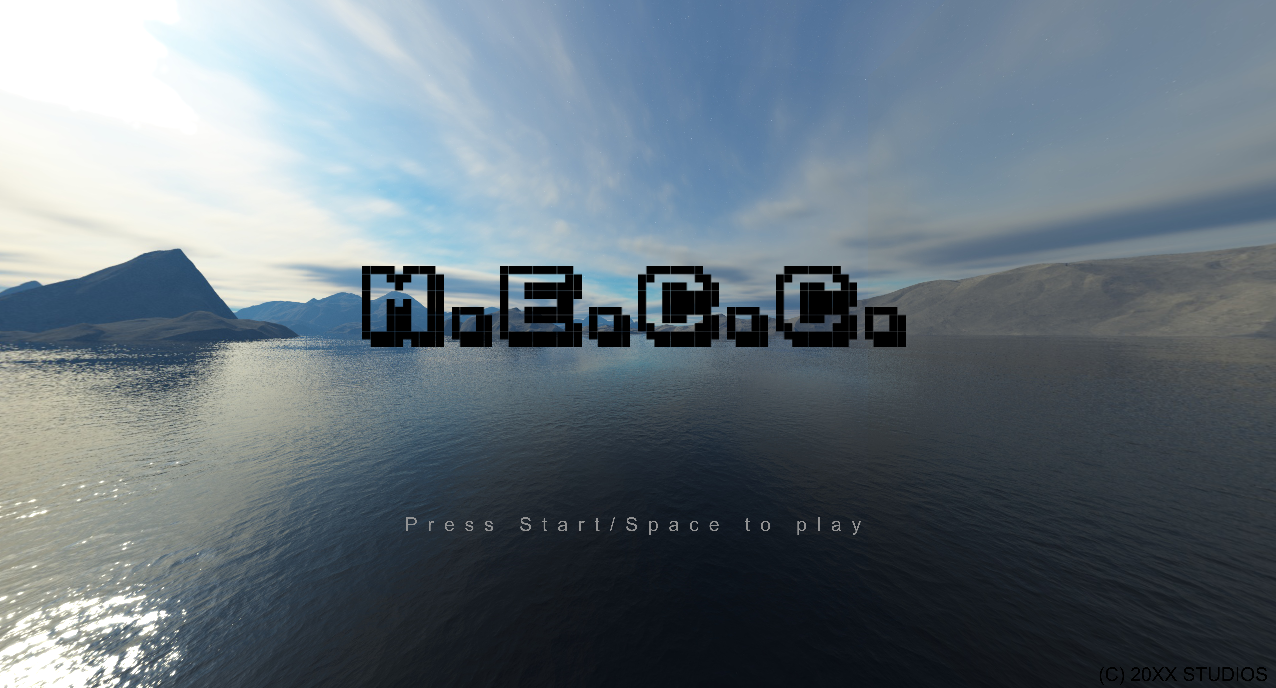
Blue flame engine was created by myself, Juan Toro, Miguel Favero, and Ivan boyko for our capstone project at Humber College. Written in C++ and OpenGL, we've also developed a 3D demo game to show its capabilities.
Current features in the most recent release include: Scene management, model and texture loading, lighting effects, particle effects, fixed physics simulation, rigidbody manipulation, collision systems, projectile motion, music, audio clips, gamepad input, UI implementation, and more.
During the creation of the Blue Flame Engine, my role in the project was the creation of all physics systems to support the development of the demo game M.E.C.C. This has involved the creation of collision and physics components that can be attached to game objects to make them active rigidbodies. Because of the scope and nature of the game, I decided to use tight-fitting AABB volumes to encapsulate physics objects. When loading a model or creating a primitive shape and adding a collision component, a collision volume is automatically generated. Physics components can also be added to control the rigidbody simulation. This component can be set to dynamic or static, and stores the position, velocity, acceleration, and acting forces. The physics simulation is impulse and force based, and done on its own fixed timestep, seperate from the rendering system. This ensures the simulation is the same on all machines, and an interpolation is calculated to ensure the physics objects do not appear out of sync during render time. Video below for demonstration:
For the demo game M.E.C.C., projectile motion plays an important role, since every character in the game has their own unique set of moves that require different projectiles. The projectile class was created for this purpose, able to be heavily manipulated. The class stores the impulse force added to the projectile when launched, the acting force on the projectile during motion to create curving effects, and the knockback force applied to the enemy player when hit. Layer and tag checking is done, depending on the friendly fire settings chosen, so that you cannot hit your self or your teamate with your projectiles. Video below for demonstration of unique projectiles used, and our Level Up presentation trailer:
An improvement to the engine that I would like to put in some time in the future are debugging for the collision components, so we're able to see the bounding volumes in world space. I'd also like to make the collision response more general so that it could easily integrated in games that don't require its own physics.